Tracking Glossary
Shipment tracking is useful only when the team understands what each milestone means operationally. A status is not just a label; it changes who needs to act next.
Common ocean milestones
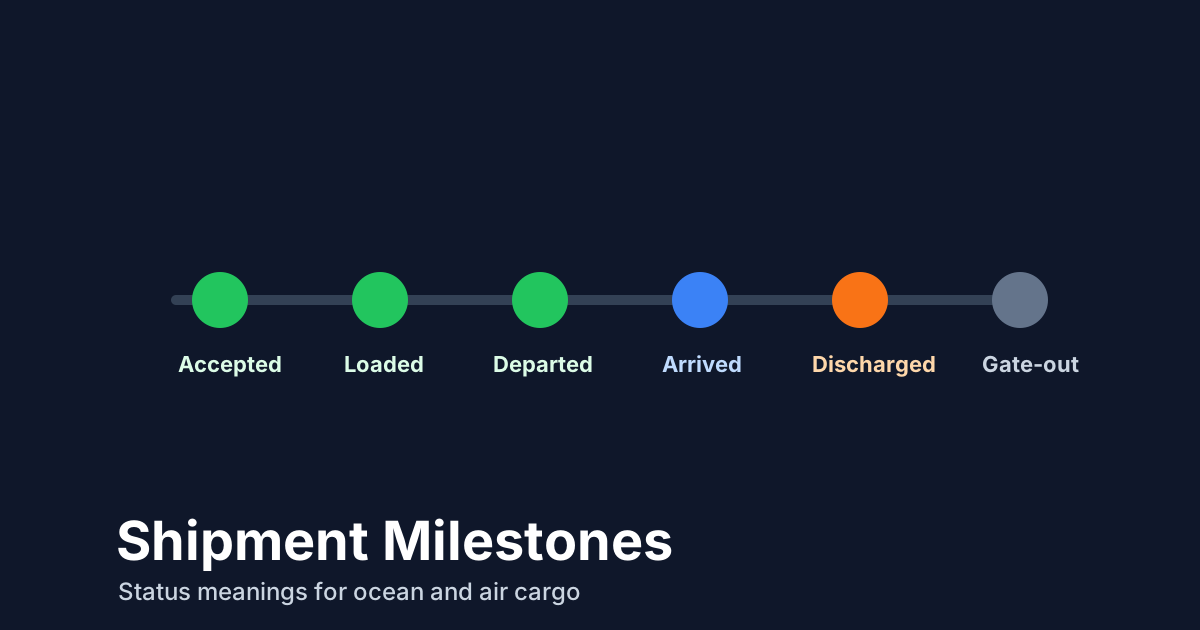
- Gate-in: the container has entered a terminal or carrier-controlled facility.
- Loaded: the container has been loaded on a vessel where the carrier reports that event.
- Departed: the vessel or transport leg has left the reported location.
- Arrived: the vessel or shipment has reached the reported port or location.
- Discharged: the container has been unloaded from the vessel.
- Gate-out: the container has left the terminal or facility.
Common air milestones
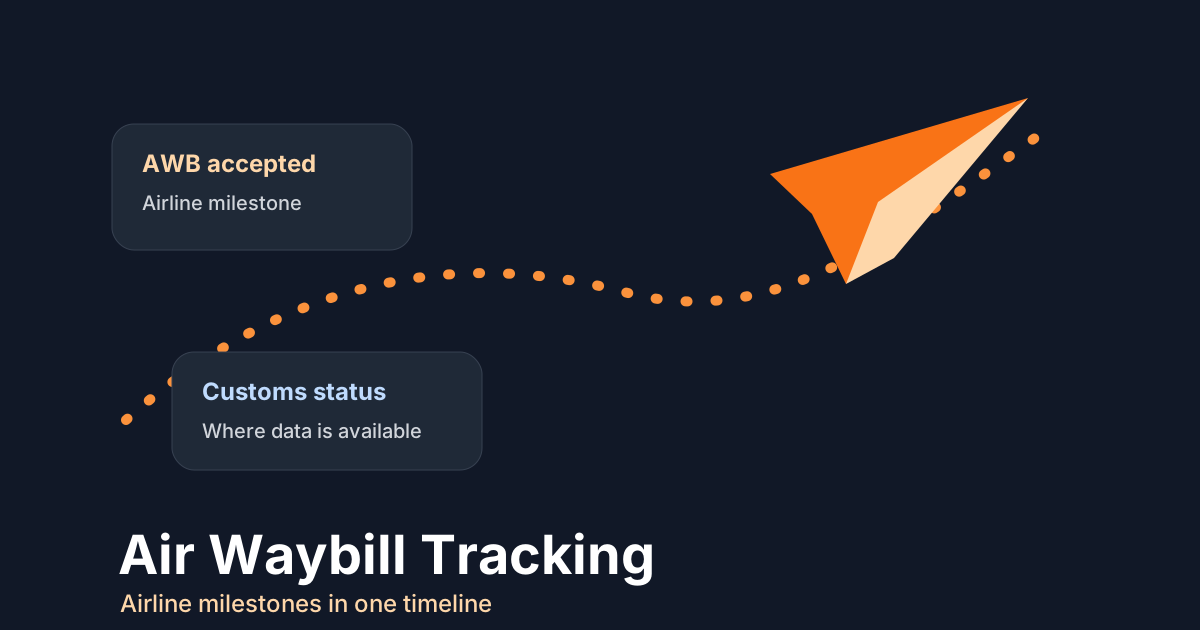
- Accepted: the airline or handler has accepted the cargo.
- Departed: cargo has departed on a reported flight or transport leg.
- Arrived: cargo has arrived at the reported airport or station.
- Transferred: cargo has moved through a handoff or connection point.
- Notified: the consignee or relevant party has been notified where the carrier provides that event.
- Delivered: cargo has been delivered or physically handed over according to the returned milestone.
Milestones should answer "what changed?"
A useful glossary does not stop at definitions. It helps users decide whether a milestone changes the work queue. Gate-in may confirm the ocean shipment is ready for loading. Loaded and departed may support a customer update. Arrived and discharged may start document, customs, pickup, or LFD review. Accepted and departed in air cargo may matter because the handoff window is shorter.
TrackCargo's tracking views are built around available carrier milestones, while account workflows can keep the surrounding shipment context close by. That context matters because the same word can lead to different actions depending on mode, route, documents, and customer commitment.
Statuses that are often misunderstood
Arrived does not always mean available. Discharged does not always mean customs released. Delivered may refer to carrier handover rather than final delivery to the buyer, depending on the carrier event. That is why shipment teams need documents, parties, custom fields, and exception follow-up next to the milestone timeline.
TrackCargo presents available carrier milestones in a shared timeline for supported air and sea shipments, while keeping the surrounding shipment workspace close to the tracking record.
Operational review checklist
- For an ocean arrival, check whether discharge, availability, customs, and LFD follow-up are still open.
- For an ocean gate-out, confirm whether pickup happened and whether any empty-return or document work remains.
- For an air arrival, check customs, ground handling, consignee notification, and delivery instructions.
- For a delivered event, confirm what the carrier means by delivered before closing the internal shipment.
- For missing or unclear milestones, preserve the raw carrier wording and assign an owner instead of rewriting the event by hand.
Keep a small exception vocabulary
Teams do not need hundreds of labels to work shipments well. A short vocabulary is usually enough: pending data, invalid reference, delayed movement, customs hold, missing document, LFD risk, delivery pending, and closed. Map carrier milestones into those working states carefully, and keep the detailed event history available for anyone who needs to audit the decision.
That approach keeps dashboards readable and makes webhook or alert rules easier to maintain. It also helps support teams explain status without inventing a new phrase every time a carrier uses slightly different wording.
Use mode-aware status names
Some words appear in both ocean and air tracking, but the operational meaning is not identical. Departed for an aircraft, departed for a vessel, and departed from a facility may all require different follow-up. Delivered in air cargo may not mean the same thing as final delivery to the buyer. Discharged is usually ocean-specific and should not be forced into an air workflow.
Keep the glossary close to the user interface and training material. When a new user sees a status in TrackCargo, they should be able to connect it to the shipment mode, latest carrier event, internal owner, and next action. That is what turns a glossary from SEO content into a working operations asset.
Review the glossary whenever a team adds a new carrier, alert, or dashboard filter. The wording should stay close to how operators actually work shipments, not drift into labels that only make sense to developers.
Use milestones as workflow triggers
A milestone should change behavior. Departed may update a customer. Arrived may start customs follow-up. Discharged may start free-time monitoring. Delivered may close a shipment or move the team into document reconciliation.
This is where milestone language connects to the rest of TrackCargo: alerts and webhooks for automation, LFD tracking for ocean risk, and documents for operational handoff.
Next step
Compare the live tracking tools for containers, MBL references, and AWBs.