Air Cargo Tracking
Air cargo moves quickly, but speed does not make visibility automatic. Teams still need to know whether cargo has been accepted, departed, arrived, cleared, transferred, or delivered without opening a different airline site for each shipment.
What an AWB number means
The air waybill, usually shortened to AWB, is the key reference for an airline-issued air cargo shipment. It normally combines a three-digit airline prefix with an eight-digit serial number. The prefix helps identify the airline system that should be queried, which is why entering the full number is usually the safest option.
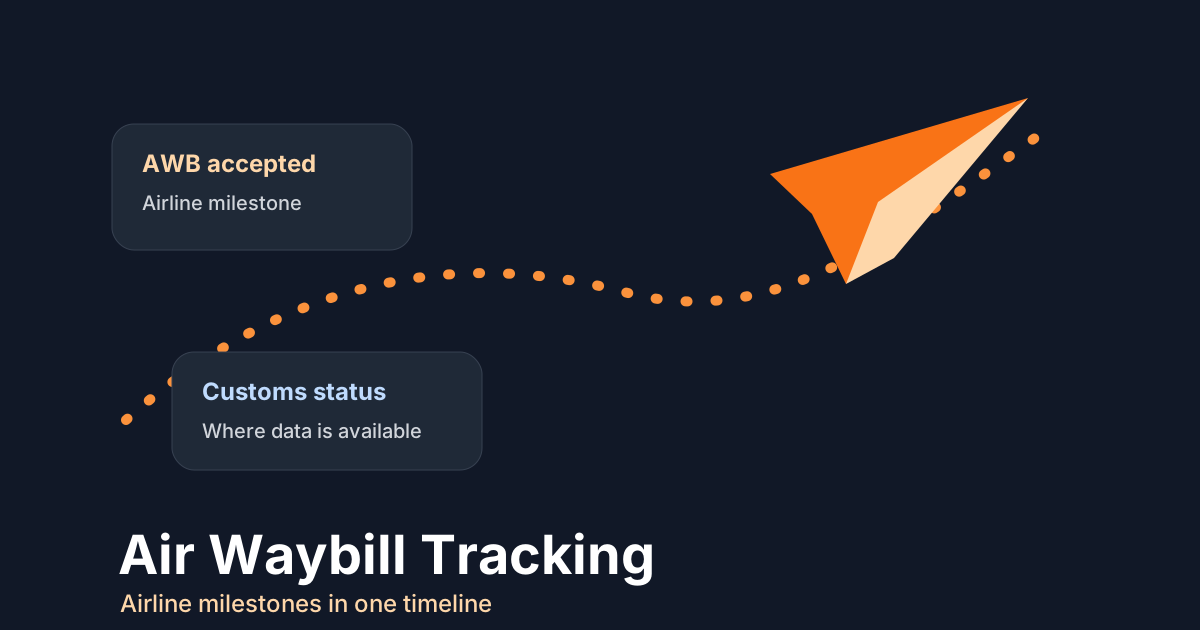
TrackCargo supports AWB tracking across supported airlines and presents available airline milestones in a single timeline. The result depends on what the airline returns for that AWB, so the best public tracking pages should explain both the value and the limits of carrier data.
Which milestones matter
A useful AWB timeline may include acceptance, export handling, flight departure, transfer, arrival, customs status, import handling, and delivery or collection events. Some airlines expose rich histories. Others return a shorter event set. Charter and ad hoc movements can also have less predictable visibility.
That is why the operational question is not just "where is it?" A better question is: what is the latest available airline milestone, and what action should follow? For urgent freight, that action may be customer notification, customs follow-up, warehouse planning, or escalation to the carrier.
When to move beyond manual checks
If a shipment is checked once, a public lookup is enough. If the same AWB is checked every few hours, the team needs a shared timeline, alerts, or an API workflow. TrackCargo supports dashboard and developer workflows for teams that need to move from ad hoc lookups into repeatable shipment visibility.
How to run an AWB check cleanly
Start by copying the full AWB from the airline document, including the three-digit prefix. Remove spaces and labels, then confirm the airline if the system asks for a carrier choice. If the shipment is urgent, capture the latest event time and location along with the status, because "arrived" without a station or timestamp is not enough for a useful handoff.
- Use the full AWB, not an internal reference or purchase-order number.
- Check whether the airline prefix matches the carrier expected by the booking or document pack.
- Store customer, consignee, broker, and delivery contact details with the tracking record when follow-up is likely.
- For repeated checks, decide which milestones should create an alert rather than another manual lookup.
When the AWB is not enough
Air cargo often has more operational context than the airline AWB alone can explain. A shipment may have supplier instructions, customer references, PO lines, package details, customs handoffs, and delivery contacts. If that context is not stored with the tracking record, the latest airline event still leaves the team searching for what to do next.
IATA's e-freight and e-AWB material emphasizes paperless air cargo processes, regulatory readiness, electronic messages, and data quality. In day-to-day shipment work, that same principle shows up as clean references, clear parties, and fewer handoffs hidden in email.
What operations should review after each milestone
Air milestones tend to trigger faster decisions than ocean milestones. Acceptance may confirm that cargo has entered the airline workflow. Departure may update a customer or downstream warehouse. Arrival may start customs or ground-handling follow-up. Delivery may close the shipment only after the team confirms what "delivered" means for that carrier event.
A practical TrackCargo workflow is to keep the AWB timeline beside documents, parties, PO references, and item details. That lets a user turn the airline update into a clear next step instead of treating the tracking page as a separate status screen.
Keep escalation notes close to the AWB
Urgent air cargo often has a short chain of people who need the same facts: shipper, consignee, forwarder, broker, warehouse, and customer contact. When a milestone changes, record the action taken next to the shipment instead of leaving it in a private message thread. That note should say what changed, who was notified, what document or clearance item is still open, and when the team should review the shipment again.
This is where dashboard context matters. TrackCargo can show the available airline timeline, but the operations record should also explain the human decision around it. That keeps customer service from repeating the same AWB search when the real question is ownership.
Related TrackCargo guides
Read the AWB prefix guide if you are unsure which airline record to query, or compare ocean and air tracking if your team handles both modes.
Further reading: IATA e-freight and e-AWB.
Next step
Use the AWB tracking page for a quick lookup, or review the developer API if your team needs programmatic tracking.