Mode Comparison
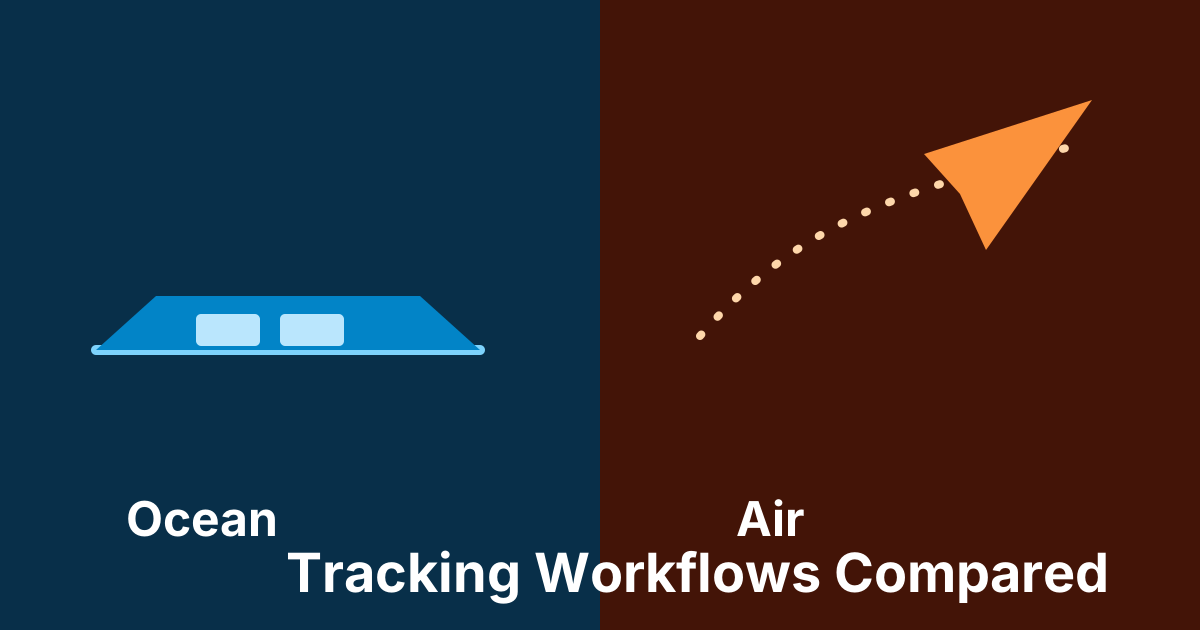
Ocean and air shipments both need visibility, but the tracking workflow is not the same. The identifiers, event rhythm, handoffs, and operational risks differ enough that teams should not treat them as interchangeable.
Identifier differences
Ocean workflows often begin with a container number, Master Bill of Lading, booking reference, or carrier-specific sea reference. Air workflows usually begin with an AWB that includes a three-digit airline prefix and a serial number.
TrackCargo supports public tracking flows for containers, MBL references, and AWBs across supported carriers, with mode-specific pages because users search and work differently in each mode.
Event and timing differences
Ocean milestones are often port and vessel heavy: gate-in, loaded, departed, arrived, discharged, gate-out, and delivery-related updates where available. Air milestones move faster and are more flight and handling oriented: accepted, departed, arrived, transferred, notified, and delivered.
Because air moves faster, missing a milestone may create immediate customer pressure. Because ocean moves through longer port and terminal windows, missed free-time dates and document gaps can become expensive.
Different modes need different controls
Ocean teams usually need controls around vessel movement, port milestones, container availability, document readiness, and LFD exposure. Air teams usually need controls around AWB validity, airline prefix, airport handling, arrival, customs, and delivery handoff. Putting both modes into the same generic status field hides those differences.
TrackCargo handles this by offering separate public tracking flows for container, MBL, and AWB references, while account workflows can still keep shared operational records. That lets a user start with the right mode-specific lookup and then bring the shipment into the same dashboard, document, party, PO, SKU, and custom-field model when the work expands.
Why a shared workflow matters
Teams that manage both modes need one place to compare status, references, documents, parties, and follow-up work. A public tracker answers the first question. A shipment workspace answers the next questions: who owns this, what is missing, what changed, and what should happen next?
That is the reason TrackCargo connects tracking with BCO workflows such as POs, suppliers, SKU details, documents, custom fields, and last-free-day follow-up.
A cross-mode operating checklist
- Capture the correct primary reference: container, MBL, booking, or AWB.
- Store mode, carrier, origin, destination, latest milestone, and event time in a comparable way.
- Keep mode-specific fields visible: vessel and port details for ocean, airline and airport details for air.
- Attach documents, parties, POs, SKUs, and custom fields once, then let the shipment mode decide which tracking details appear.
- Use alerts or webhooks only for changes that require a person or system to do something.
Report both modes without flattening them
A weekly operations review can compare ocean and air shipments by latest status, exception count, document gaps, and owner, but the detail view should stay mode-specific. Ocean reports should surface containers, B/Ls, ports, vessel or schedule details, discharge, gate-out, and LFD context where available. Air reports should surface AWB, airline, airport, flight-linked milestones, arrival, and delivery handoff.
TrackCargo's account workflow supports the shared pieces around those reports: shipment records, POs, SKUs, documents, parties, custom fields, API-created orders, and webhook-driven updates. That gives teams a single operating model without pretending that every shipment behaves the same.
The practical test is simple: a user should be able to scan all shipments together, then open one record and immediately see the details that matter for that mode. If the screen hides those details, the team will rebuild the missing view in a spreadsheet.
This also helps when a customer asks for one update across mixed modes. The team can answer from a shared shipment list, then open the specific ocean or air record for the details that make the update accurate.
Do not flatten the modes into one generic screen
A shared shipment workspace is useful, but the mode still matters. Ocean users need port milestones, vessel movement, container status, and LFD risk. Air users need AWB prefixes, airline events, flight-linked milestones, and faster escalation paths. A good interface keeps the common structure while letting each mode show the data that actually belongs there.
This is why TrackCargo separates public tracking pages for containers, MBL references, and AWBs, while the dashboard can still bring documents, parties, PO references, and item details into one operating model.
Related TrackCargo guides
For ocean workflows, read the B/L container tracking guide and LFD guide. For air workflows, start with AWB tracking explained and AWB prefixes.
Next step
Start with container tracking, MBL tracking, or AWB tracking, then explore the BCO workspace if your team needs more context.