Air Cargo Basics
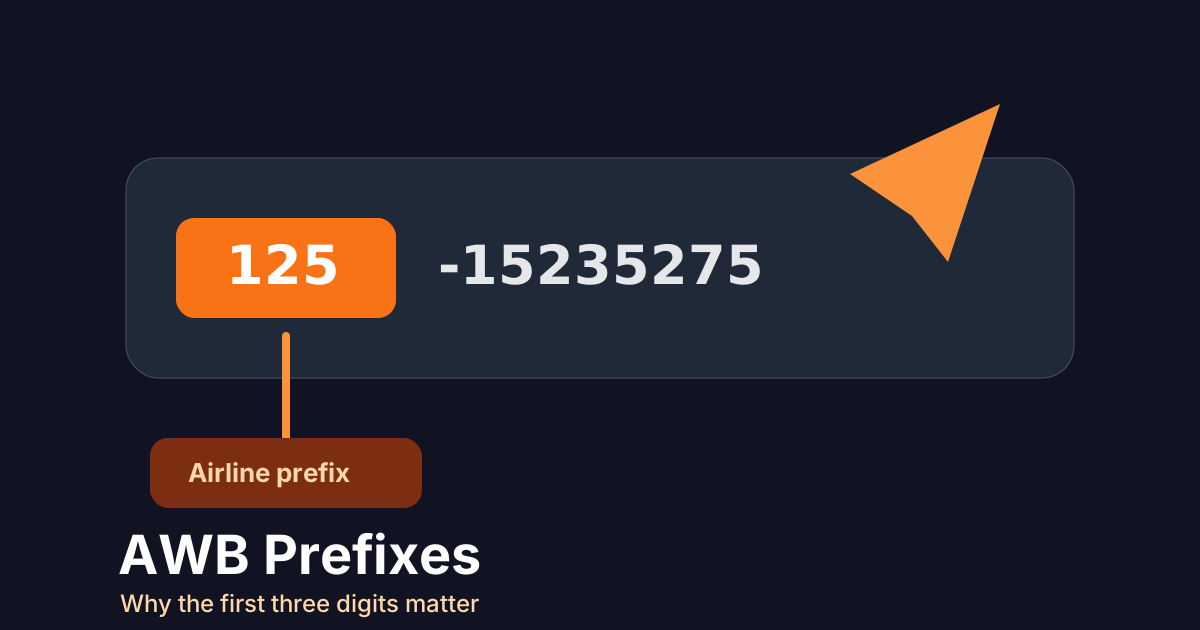
An air waybill number is more than a long shipment reference. The first three digits are the airline prefix, and that prefix often tells a tracking system which airline record should be queried.
What the prefix means
A typical AWB reference contains a three-digit airline prefix followed by a serial number. TrackCargo uses supported airline data to help identify the airline where the prefix is known, while still letting users choose manually when needed.
This is why the prefix should not be dropped when copying an AWB from a booking, label, or shipment document. Without it, the reference may become harder to route to the right carrier source.
How prefixes affect tracking
Prefixes are especially helpful when several airlines could be involved in a route. They point to the issuing airline record, but available tracking events still depend on the airline, route, ground handling process, and data returned for that shipment.
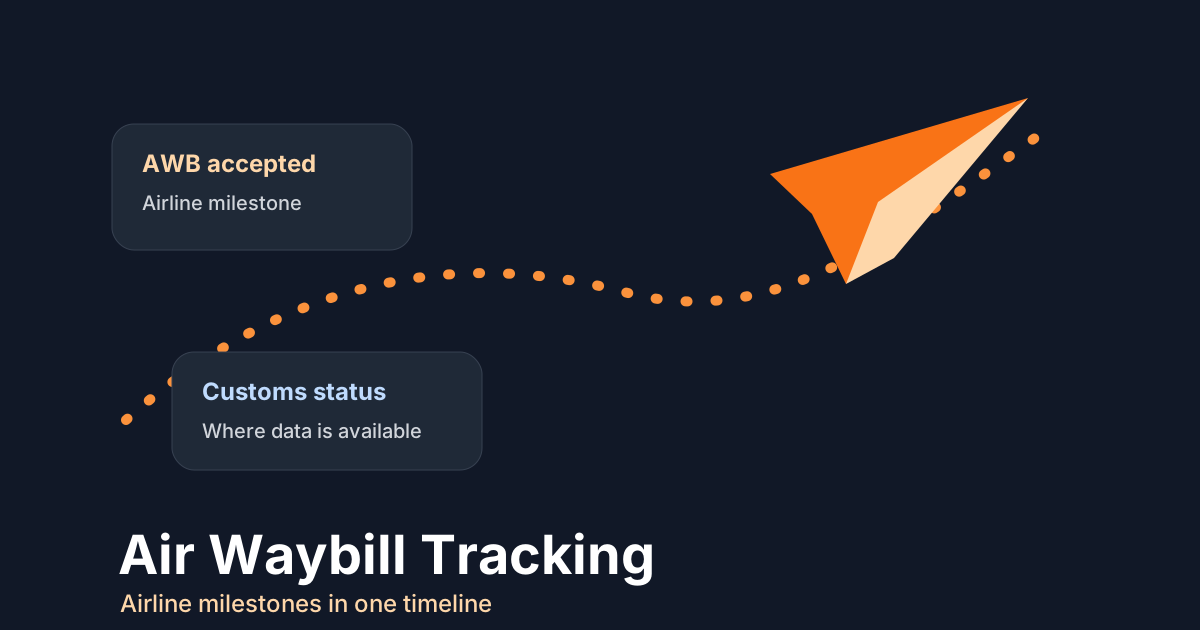
A good AWB workflow should show more than a raw status. It should help users understand acceptance, departure, arrival, customs, transfer, and delivery milestones where those events are available.
How to validate an AWB before tracking
A quick validation pass prevents many false "not found" results. Ask where the number came from: airline document, forwarder email, label, booking confirmation, or internal system. Then compare the first three digits with the carrier named on the shipment. If the prefix and named airline disagree, treat that as a data-quality question before assuming the tracking platform failed.
- Keep the prefix and serial number together when copying the reference.
- Remove spaces, dashes, and labels unless the form explicitly allows them.
- Do not substitute a house air waybill or internal shipment number for the airline AWB.
- Check the supported airline list when the carrier is not obvious from the document.
- Record the airline choice used for the lookup so the next user does not repeat the same check.
The prefix is not the whole routing story
The issuing airline prefix helps route the lookup, but it does not guarantee every physical handoff will be visible in the same way. Interline movement, ground handling, customs, and delivery events can still depend on data returned by the carrier and partners involved in the shipment.
That is why TrackCargo keeps the AWB timeline close to shipment context such as parties, PO references, documents, and item details. The event tells you what the airline has reported; the surrounding record tells you what the team should do next.
Use prefixes to improve team handoffs
Prefixes are also useful inside the operation. Customer service can confirm the issuing airline before escalating. Developers can route an AWB to the right carrier source in an API workflow. Operations can compare the airline event with the shipper, consignee, broker, and delivery contacts attached to the shipment.
This is one reason TrackCargo separates the public AWB tracking flow from ocean tracking flows while still keeping the broader dashboard model consistent. Users get an air-specific lookup when they need it, and account teams can still connect the AWB to POs, documents, parties, SKUs, and custom fields when the shipment needs more context.
Developer notes for AWB routing
In an API workflow, treat the AWB as structured input rather than a free-text string. Store the full number, the three-digit prefix, the selected airline, the internal shipment or order reference, and any validation result. If the airline must be chosen manually, store that choice so the next request does not depend on a hidden UI decision.
Also plan for partial results. Some AWBs will return a short milestone history, some will have no available carrier data yet, and some will be rejected as invalid. A good integration keeps those states distinct so support teams can tell whether to correct the number, wait for carrier publication, or escalate through the airline or forwarder.
For dashboard users, show the same distinction in plain language. "No data yet" and "invalid AWB" lead to different next actions, and collapsing them into one generic failure message creates unnecessary follow-up.
Common AWB entry mistakes
- Leaving out the three-digit prefix.
- Typing a house reference instead of the airline AWB.
- Copying spaces, punctuation, or document labels into the number.
- Selecting the wrong airline when a manual carrier choice is required.
- Expecting every carrier to expose the same depth of flight and handling events.
Related TrackCargo guides
Continue with air waybill tracking explained, compare ocean and air tracking, or go straight to supported airline carrier pages.
Further reading: IATA e-freight and e-AWB.
Next step
Use the AWB tracking tool to search supported airline shipments, or review the airline directory for carrier-specific pages.