Ocean Tracking
Many ocean shipments start with a bill of lading reference before the operations team has every container number in hand. That is why B/L tracking is useful: it can give teams a shipment-level starting point while the physical container details are still being confirmed.
When B/L tracking works
B/L tracking works best when the reference belongs to the carrier or shipping line record and the carrier has already made shipment milestones available. TrackCargo supports public sea tracking by Master Bill of Lading, container, and related sea references for supported carriers, but available detail still depends on the carrier and identifier.
If a search returns limited information, it does not always mean the shipment is wrong. The carrier may not have published events yet, the reference may be a house bill rather than a master bill, or another identifier may be needed.
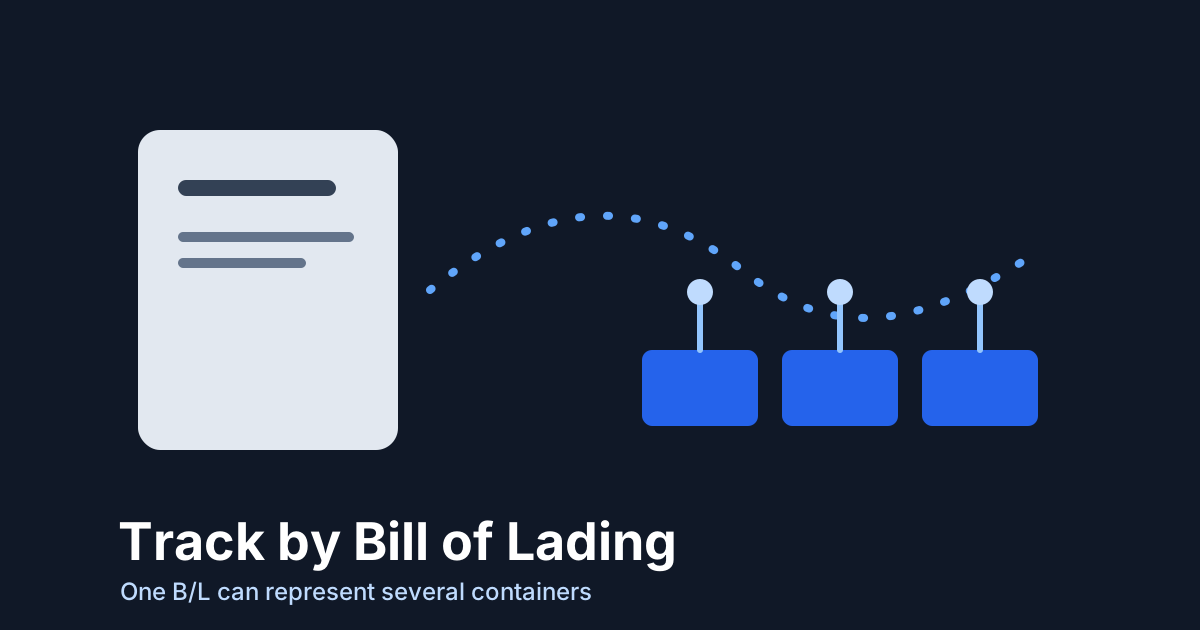
One B/L can cover more than one container
A single B/L can represent a shipment with one container or several containers. When carrier data allows, a B/L-based workflow helps teams see those containers as one commercial shipment instead of checking each box in isolation.
That matters for BCO teams because shipment work rarely stops at the tracking number. The same record may need PO context, supplier details, documents, parties, SKU lines, custom fields, and last-free-day follow-up.
When B/L tracking is the better starting point
Use B/L tracking when the commercial shipment matters more than the individual box. That is common when a customer asks for a PO update, when documentation is tied to a master bill, or when several containers need to be reviewed as one movement.
Use container tracking when the question is equipment-specific: terminal status, gate-out, empty return, or a container-level exception. In practice, operations teams need both views connected rather than competing with each other.
A step-by-step workflow
- Start with the B/L from the carrier document, booking confirmation, supplier file, or customs pack.
- Confirm the shipping line if the carrier is known; do not rely on memory when several forwarders are involved.
- Run the B/L lookup and review the returned containers, route, latest milestone, vessel or schedule details, and ETA fields where available.
- Save any container numbers that appear later so container-level events can be reviewed without losing the B/L-level view.
- Attach the document pack and PO context if the shipment will need team follow-up.
- Assign a next owner when the latest milestone implies action: broker, warehouse, consignee, supplier, or customer service.
Troubleshooting a B/L lookup
- Check whether the reference is a Master Bill of Lading or a forwarder house bill.
- Confirm the shipping line when the system cannot infer it from the reference.
- Try the container number if the carrier has already released individual container details.
- Wait for carrier publication if the shipment is too early in the lifecycle.
- Keep documents and parties next to the shipment record so follow-up does not depend on inbox searches.
What to do with multiple containers
Multi-container shipments are where a B/L view earns its keep. Operations may need one customer update, one document set, and one PO record, while the containers themselves move through different terminal events. Keep both levels visible. The B/L answers the commercial shipment question; the container view answers equipment and exception questions.
In TrackCargo account workflows, that means using the shipment record as the anchor and adding container numbers, documents, parties, SKU or item details, custom fields, and LFD follow-up around it. If one container is delayed but the rest have moved, the team should see that difference without splitting the shipment into unrelated notes.
Know when to switch references
Start with the B/L when that is the only reliable reference. Switch to container-level tracking when the question becomes physical equipment status, terminal availability, gate-out, empty return, or a container-specific delay. Switch back to the B/L view when the customer, PO, or document pack is the main frame for the update.
The best workflow does not force users to choose one reference forever. It records which reference worked, keeps alternate references attached, and lets the team explain the shipment from the level that matches the question being asked.
That habit also helps when a shipment is reviewed later. The next user can see why the B/L was used first, when container numbers were added, and which reference finally produced the clearest carrier milestone history.
Related TrackCargo guides
If this article matches your workflow, read what a bill of lading does, then review the LFD guide and the document workflow guide.
Next step
Start with the MBL tracking tool, then review supported shipping lines if you need carrier-specific tracking guidance.