Developer Guide
Most teams do not look for a container tracking API because they want another integration. They look for one because their current process has become too manual: carrier portals, spreadsheets, customer emails, and repeated status checks.
Start with the identifiers your operation uses
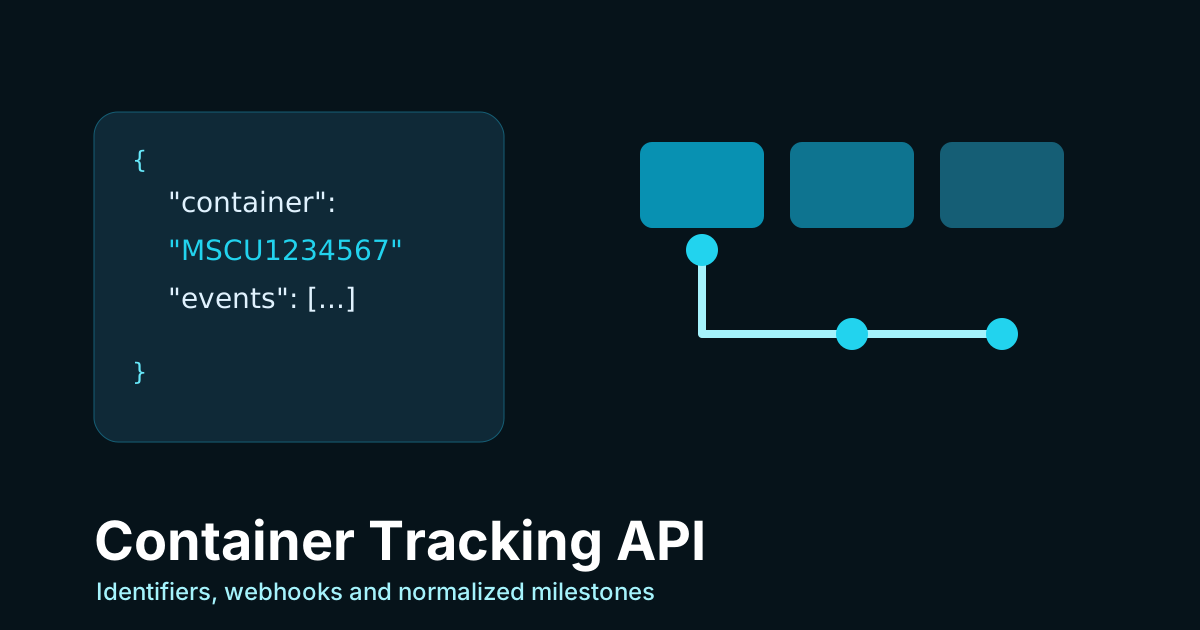
A useful API should accept the references your team receives first. For ocean freight, that can mean container numbers, booking numbers, or Master Bill of Lading references. TrackCargo exposes order and tracking workflows for sea and air shipments, plus public carrier endpoints for supported shipping lines and airlines.
The API decision should begin with record modeling. If one B/L can link to multiple containers, your application needs a way to present the shipment as a single operational record without losing the container-level detail.
Polling versus webhooks
Polling is simple, but it can create unnecessary load and stale user experiences. Webhooks are better when downstream systems need to react to status changes. A milestone can update a customer portal, open an exception task, or trigger a warehouse planning workflow.
TrackCargo's public developer surface presents API-key authentication, tracking order creation, bulk creation, status retrieval, supported carrier lists, and webhook workflows. That makes it suitable for teams moving from manual visibility into system-to-system shipment tracking.
Plan the minimum integration first
The first version should prove the full loop with as few moving parts as possible. Create a client order, initiate sea tracking, retrieve the order tracking data, and show the latest milestone inside the system your team already uses. Once that is stable, add bulk creation, carrier assignment, cancellation, deletion, and webhook handling.
TrackCargo's developer page exposes order endpoints for create, sea and air tracking initiation, bulk sea and air creation up to 100 per request, recent orders, mode-specific order lists, overview stats, carrier assignment, cancel, delete, and tracking retrieval. That is enough surface area for a staged rollout instead of a big-bang integration.
- Phase 1: create a tracked order and retrieve status for one known lane.
- Phase 2: add bulk creation for repeat shipment batches.
- Phase 3: configure webhooks for milestone changes that should update another system.
- Phase 4: add operational context such as PO references, documents, parties, and custom fields where dashboard users need them.
Normalize events without hiding the carrier record
Developers should not have to write a different business rule for every carrier phrase. DCSA's Track & Trace standard is aimed at more consistent container journey visibility, and the practical lesson is simple: keep a stable milestone meaning for workflows, but do not throw away the raw carrier label that explains where the event came from.
In a TrackCargo integration, use normalized milestone groups for user-facing workflows and keep the detailed event payload available for audit, troubleshooting, and support conversations.
Design for incomplete carrier data
Shipment data is not always complete on the first request. Your integration should handle pending, missing, invalid, cancelled, and carrier-not-selected states without breaking the user experience. A good UI tells the user what is known, what was submitted, which carrier was used, and whether another reference or later retry is reasonable.
Avoid making downstream systems depend on one perfect event. Store the submitted reference, mode, carrier, internal order ID, latest known status, event history, and retrieval timestamp. That gives support and operations enough information to explain the state without guessing.
Define acceptance criteria before launch
A container tracking API is ready for production only when both developers and operators agree on what success looks like. For developers, that may mean authenticated requests, stable order creation, predictable tracking retrieval, clear error handling, and working webhook delivery. For operations, it means the latest status is understandable, the carrier and reference are visible, and exceptions can be owned without searching for the original request.
- Every created order can be matched back to an internal shipment, PO, or customer reference.
- Bulk uploads or bulk API calls can be reconciled when one item fails.
- Webhook events can be replayed or investigated using stored order and event context.
- Dashboard users and API users describe the same shipment state in the same words.
Questions to ask before integrating
- Which identifiers do we receive first: container, booking, B/L, or AWB?
- Do we need standing tracking records or one-off lookups?
- How should duplicate, late, or corrected carrier events be handled?
- Which events should trigger customer or operations notifications?
- Do we need dashboard users and API users to see the same shipment context?
Related TrackCargo guides
Pair this guide with DCSA events explained, shipment alerts and webhooks, and the broader cargo tracking API checklist.
Further reading: DCSA Track & Trace standard.
Next step
Review the TrackCargo API documentation to see the current endpoint shape in the Stoplight reference.